Overview
The eComment system is a way for citizens to submit their feedback, ideas, and comments digitally rather than have to attend council meetings in person. This page will explain how to submit your comments.
Find A Meeting
Visit the Council Videos page to find the meeting you are looking for. Follow the line of the desired meeting, and click “eComment.”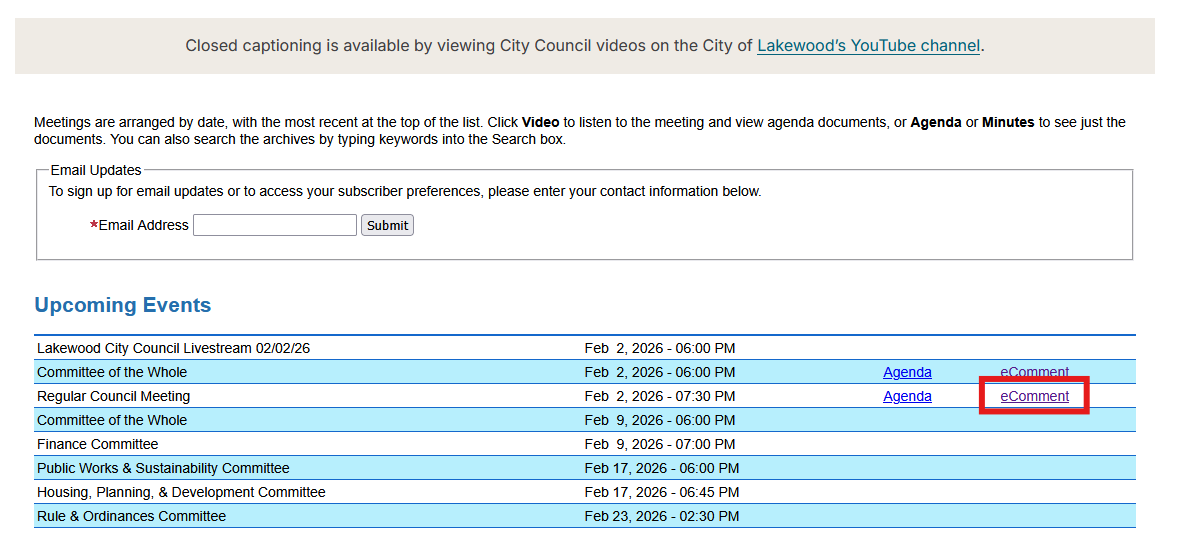
Create An Account
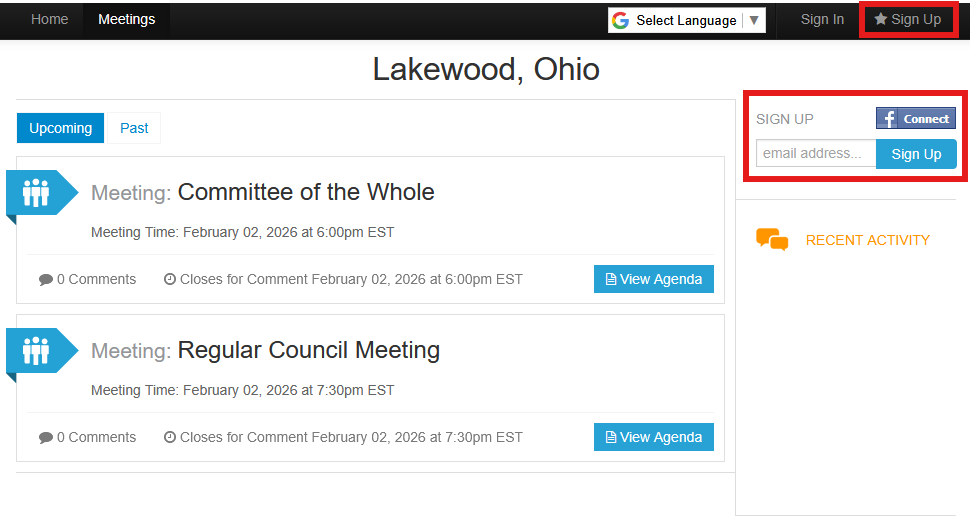
Before commenting, you will need to create an account. Click the “Sign Up” button in the top right corner, or enter your email address in the form field beneath the button.
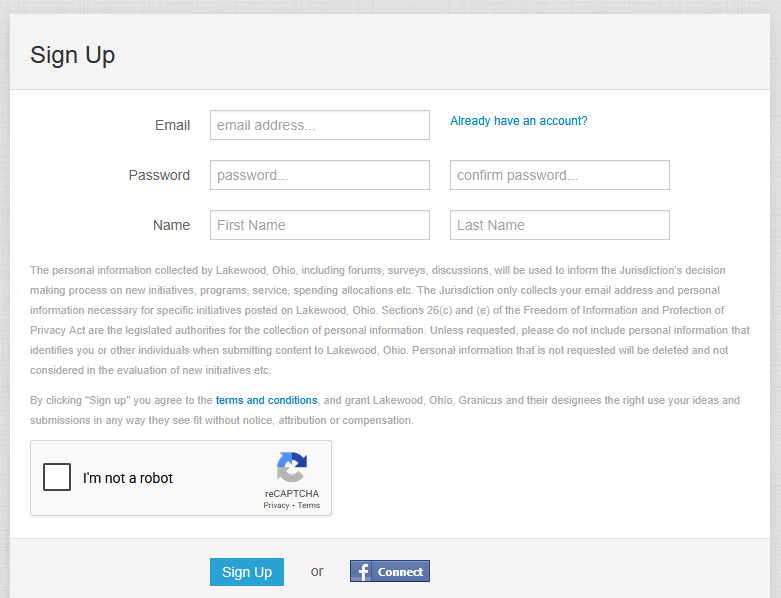
On the next screen, fill in the remaining information requested, and click “Sign Up.”
View Meeting Agenda
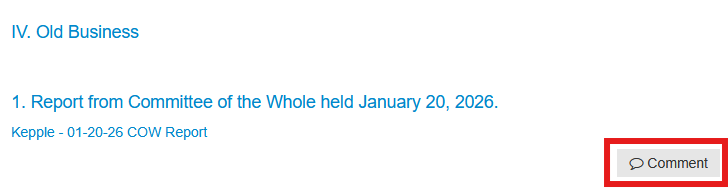
After submission, you will be taken back to the list of upcoming meetings. Click the correct meeting and find the agenda item that you wish to comment on. Click the “Comment” button to the right.
Submit Your Comment
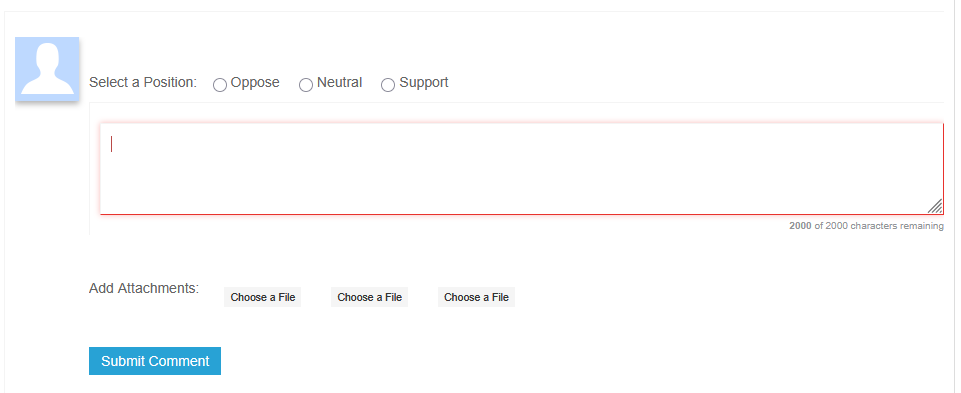
Finally, enter your position by clicking a radio button at the top of the form; type your comments in the text field, and add attachments if desired. Click the “Submit Comment” button to finish your submission.